
Hello Everyone!
It's been another busy week. The team has made substantial progress on Kash Stash/PLC logic. Let's get right in to the updates!
Kash Stash
 PulseAI-Platform
Simplified Setup/Improved Security
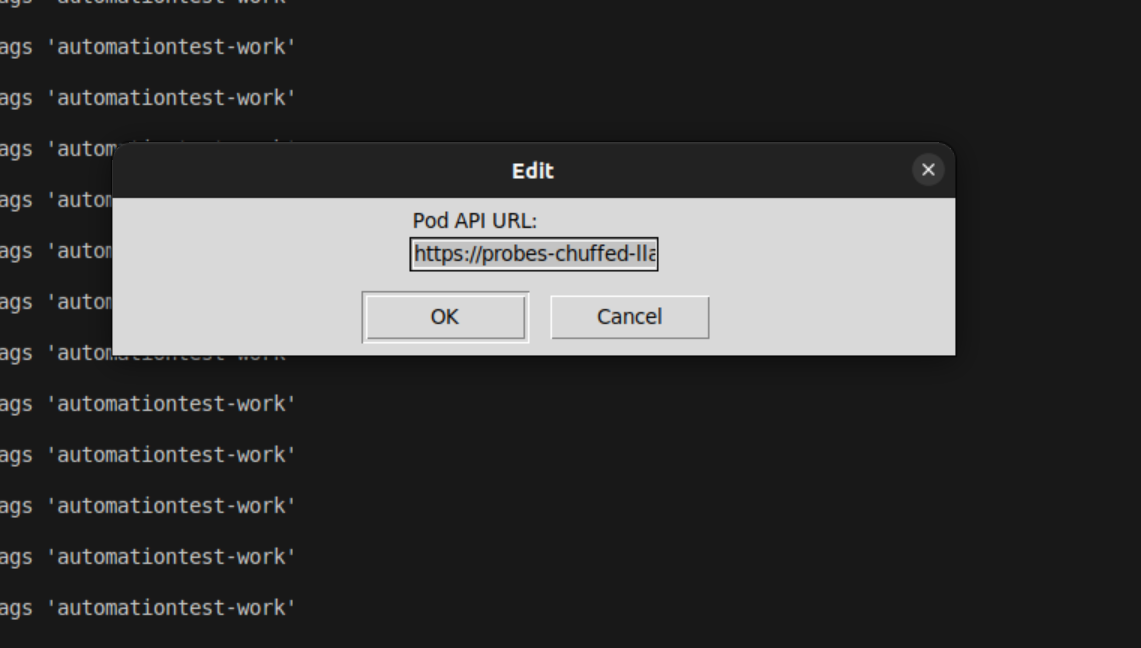
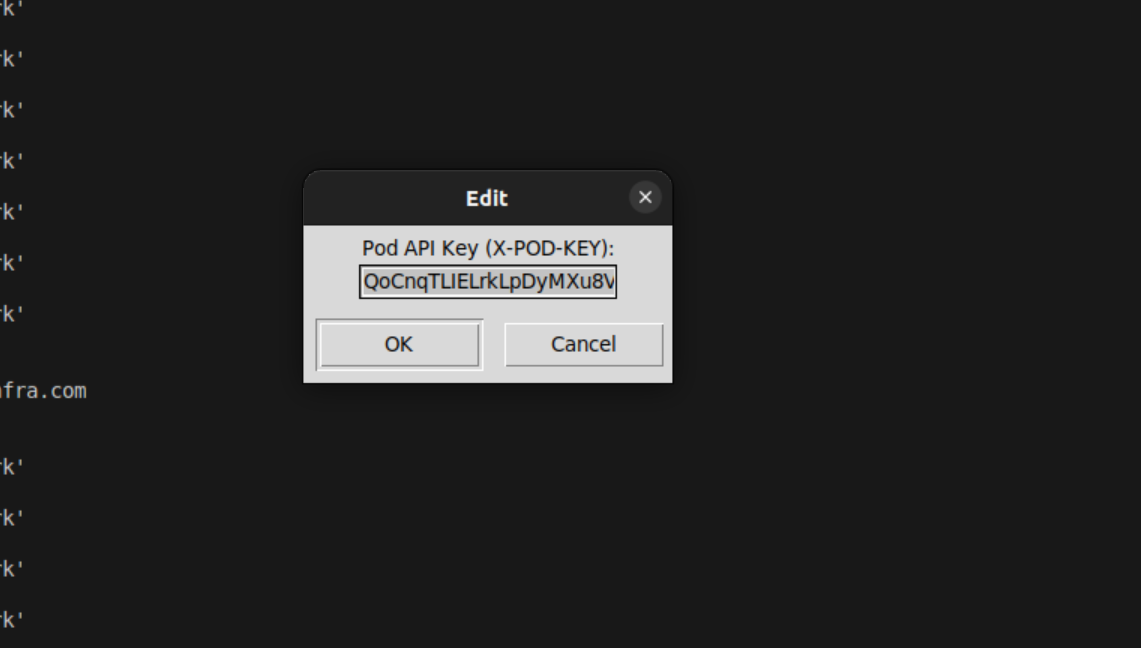
The original test build of Kash Stash relied on a get digest key/list digest key via the probes API. This left nodes vulnerable to digest enumeration attacks (checking random ID numbers using a stolen key). Stash has been updated to use the pods api instead, which makes only digests shared in a particular pod visible.
Work Queues
We have "business logic work queues" working now! Using some additional options in the yaml template, ex:
Standard monitoring/automation template:
system_resource_graph:
  type: task
  job:
    timing: 10m
    language: bash
    logic_digest_id: 10641
    done_tags: systemgraph,sysok
    fail_tags: systemgraphfail
    threads: 1
    timeout: 60
Queue Template:
queuetest:
  type: queue
  job:
    language: bash
    logic_digest_id: 12142
    queue_tag:
      queue_tag: automationtest-work
      lookback: 5m
      lock_tag: automationtest-lock
      done_tags: automationtest-done
      fail_tags: automationtest-fail
      retry_failed: y
    threads: 2
    timeout: 300
You can define what tag to use to pull work, what tag to post locks to, and what tag to post completed/failed runs to. Multiple configs like this can be chained together for complex tasks. By having the final landing tag for your business logic shared with stakeholders you can replace dozens of other applications.
Here's a video of a test setup running some "business logic" that adds a random number to the incoming digest coordinating multiple threads:
Headless Mode
The first few builds of Kash Stash required some kind of desktop environment to place the "taskbar object" in - we've added a --headless launch parameter for environments without a desktop.
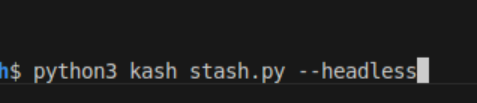
One note - when using headless mode make sure you have a config available in ~/.kash_stash_config.json or it won't be able to connect to your node.
Python Scripting
With the basics of the binary working (pulling scripts, pushing new digests, using work queues) we got to work on adding the python executor. You can now store Python scripts in Pulse and pull them/execute them as the logic digest for tasks - make sure your worker machine has all of the required pre-reqs, this can be accomplished with a onetime setup task that installs the requirements.
Here's a quick video of a python queue in action:
Powershell Scripting
Powershell scripting support is crucial for windows machines, to that end once we had bash and python working on linux we got powershell working on windows.
Windows Support
The binary now builds and runs on windows systems, here's a video:
OSX Support
We had to make a separate branch (main-osx) because tkinter behaves differently on osx, but, the binary now also builds and runs on OSX, a video of that as well:
*Osx is much less developer/automation friendly than windows/linux as a result this agent is for automation only - notes and screenshots do not work yet. I'm fairly confident I can get notes working but screenshots are anyone's guess.
Now that we have access to an apple silicon dev machine we'll likely pursue an app for note/photo/link sharing functionality on apple devices instead - the IOS app is simple enough to cross-compile.
Android Support
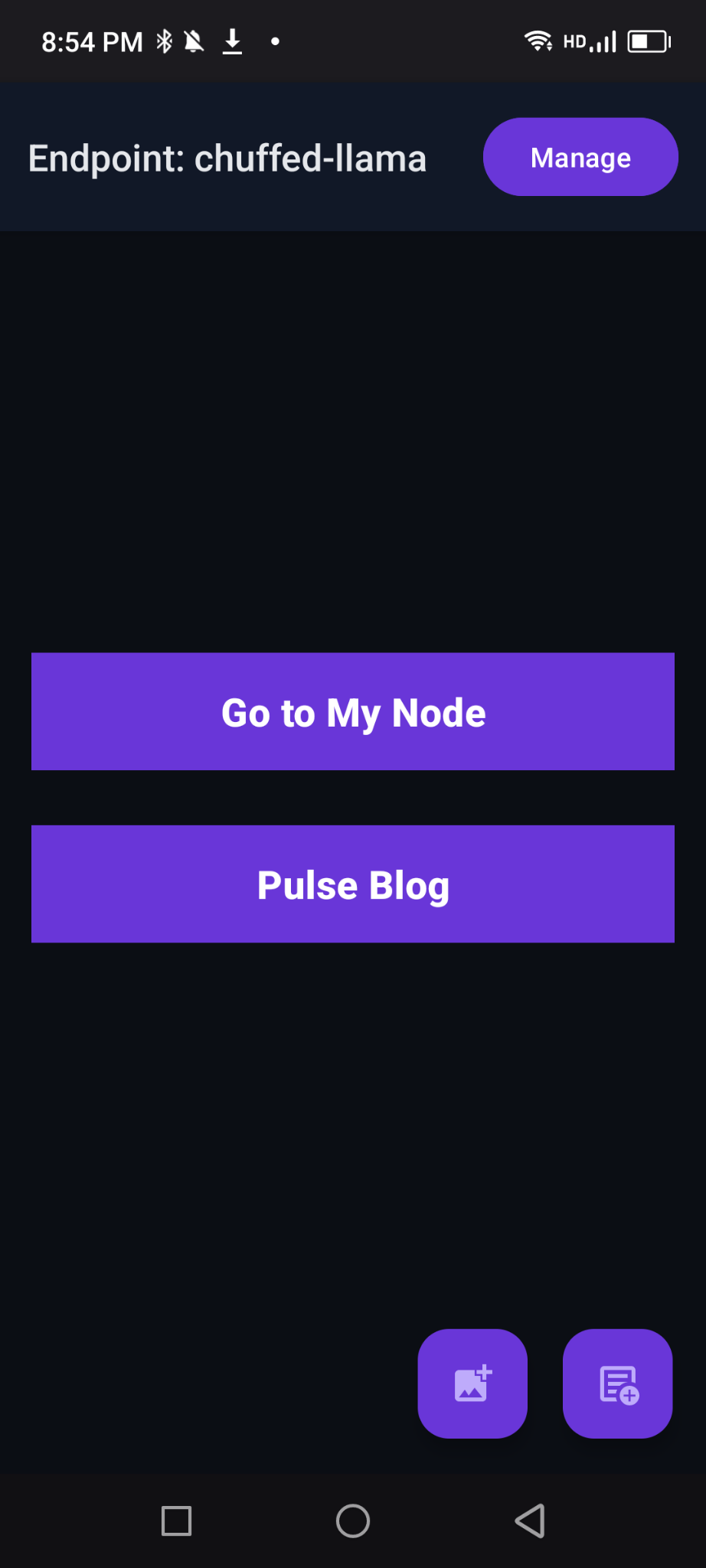
With my prior Minecraft experience and AI I was able to get an MVP android app working - no work queues/other background tasks of course but you can share notes/screenshots and quickly visit your node. For simplicity's sake the APK is available on it's own branch "main-android" on the git repo - similar to OSX. You will need to enable "unsafe" apps to install it while we wait to get it through the app store.
IOS Support
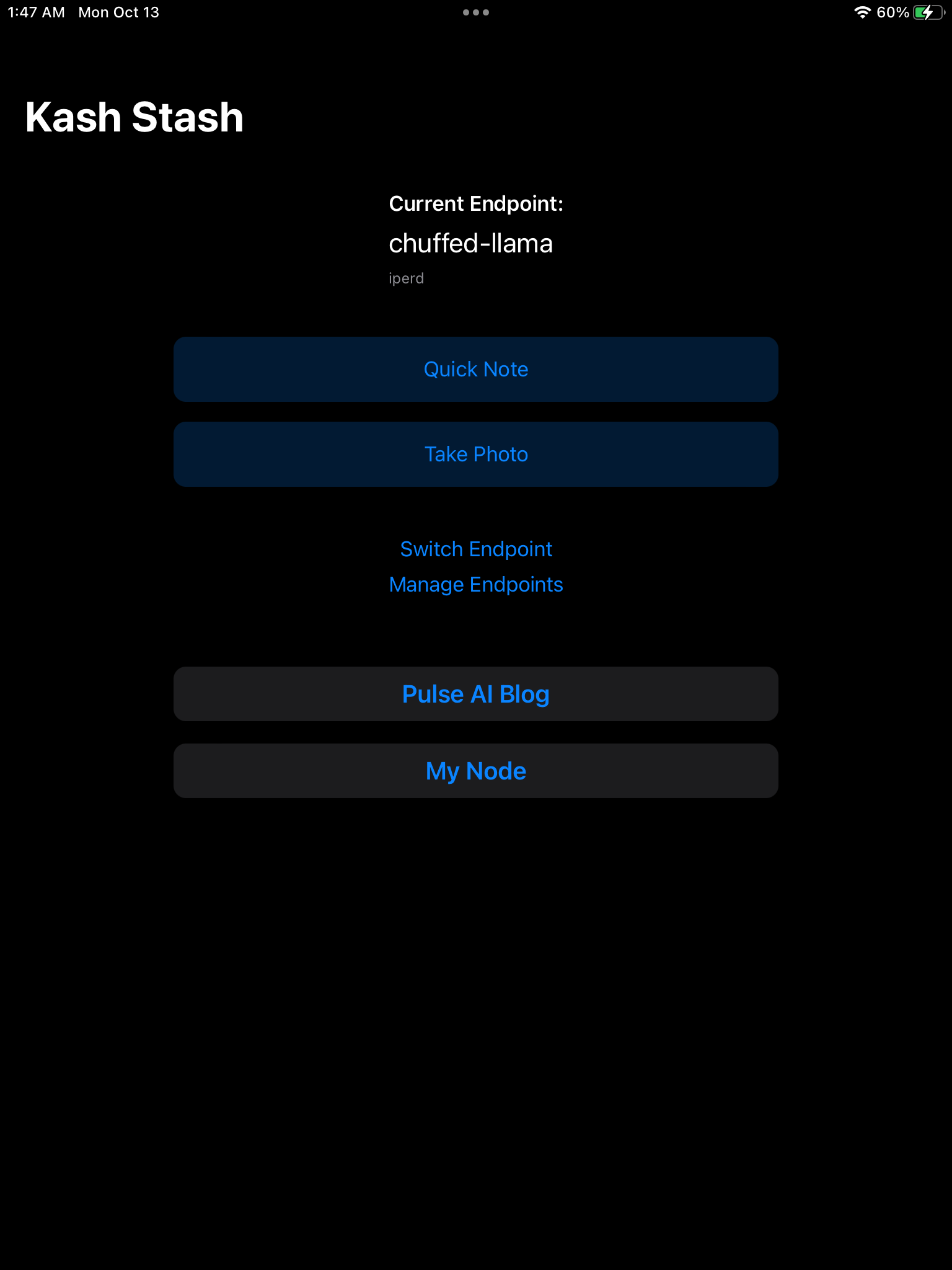
This was a bit of a challenge because I've never actually written swift before, but having come right off of Kotlin/having AI I was able to get it going - most of the hard part was actually dealing with xcode/various apple auth steps. This is available under main-IOS16+, we're working on getting cleared by the app store but you can load this on an apple device using xcode in the meantime.
Kash IoT Worker
 PulseAI-Platform
Kash for ESP32
As we said at TCSW and in the last blog update one of our long term goals is getting Pulse on to the factory floor. To that end we're creating "Kash Workers" - a system for pulling micro/circuitpython scripts from Pulse for Esp32-based PLCs and eventually manage full OTA firmware updates. This can be used both to execute simple business logic on esp32 devices (memory/CPU limitations can hit hard here - choose wisely!) as well as more typical real-time PLC/IoT device instructions.
This is what we have working so far - we can pull/push/lock configurations and digests! I didn't have time to experiment with testing gpio functions - we'll see if time is available to demo that in a future update.
output from an adafruit feather esp32-c6 connected to a macbook pro
TL;DR
This week we connected every major platform to Kash. The hope is that rather than waiting on the community to develop its own integrations, us providing a "starter kit" will make it much easier to start using Kash for work, productivity, notes, automation, IoT - you name it.
Next week we're working on more frontend optimizations/ux - look out for a faster, smoother, Kash. We will also be releasing final-ish builds of the ios and android apps on the apple/google app stores.
See you next week!

Member discussion: