Your node will be deployed soon. Feel free to reach out to us at info@pulseaiplatform.com if you feel it's taking too long. Once your node is ready you can visit the portal and read the docs to get acquainted with what your node can do.
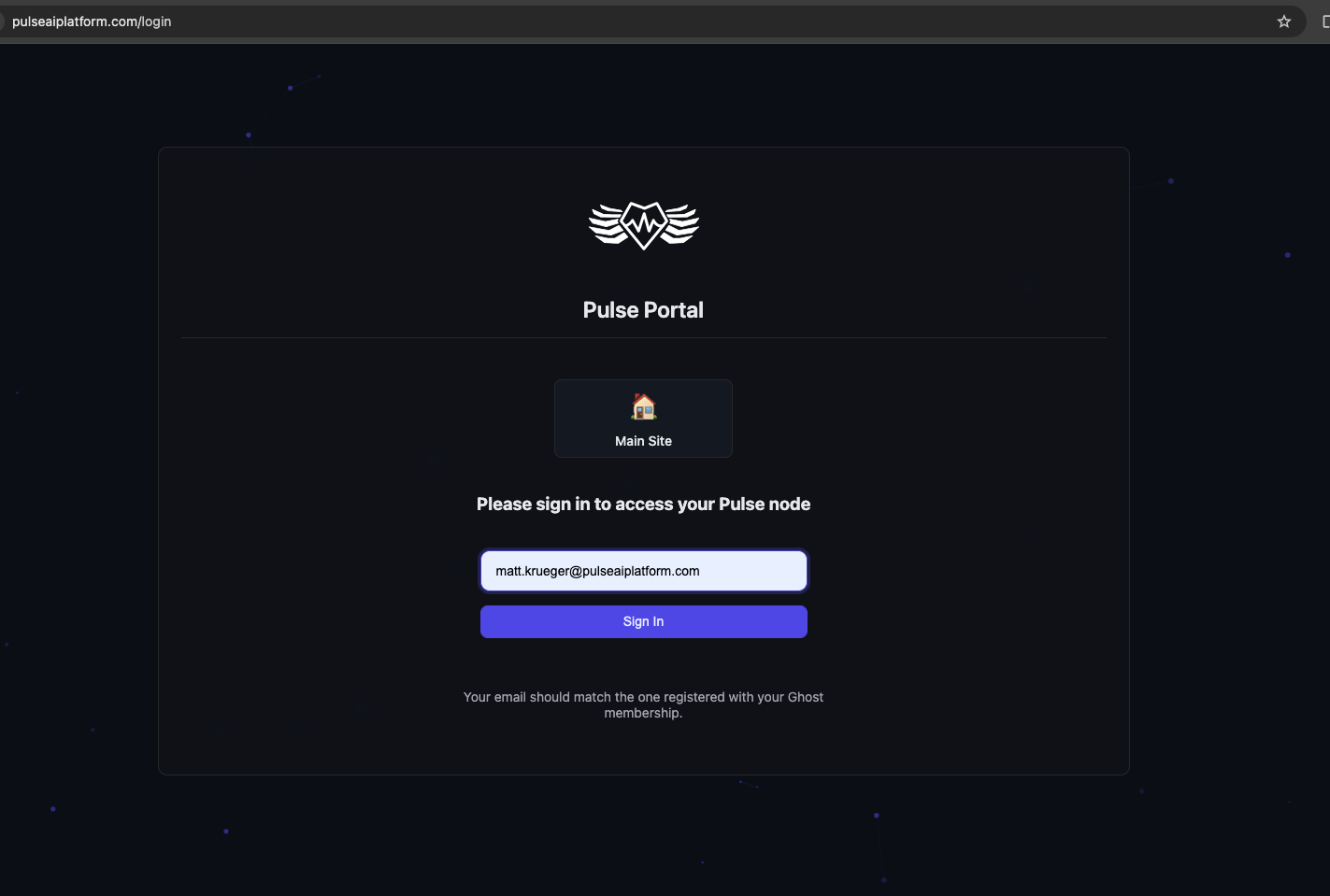
When signing in to the portal use the exact same email address that you signed up on ghost with. If you change the email associated with your ghost membership in the future it will be updated. The portal will give you a link to your node:
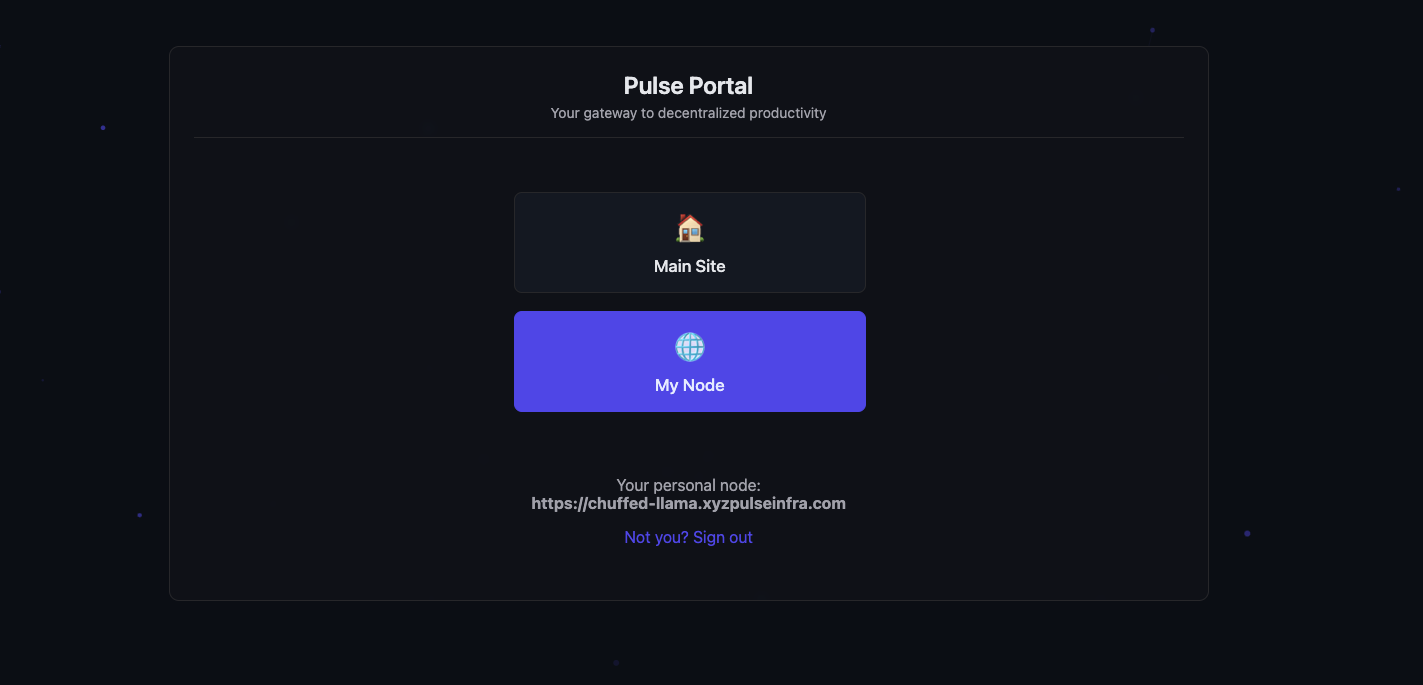
If your node is ready you'll be taken forward to this screen where you can go to your node:
Once at your node re-enter your email:
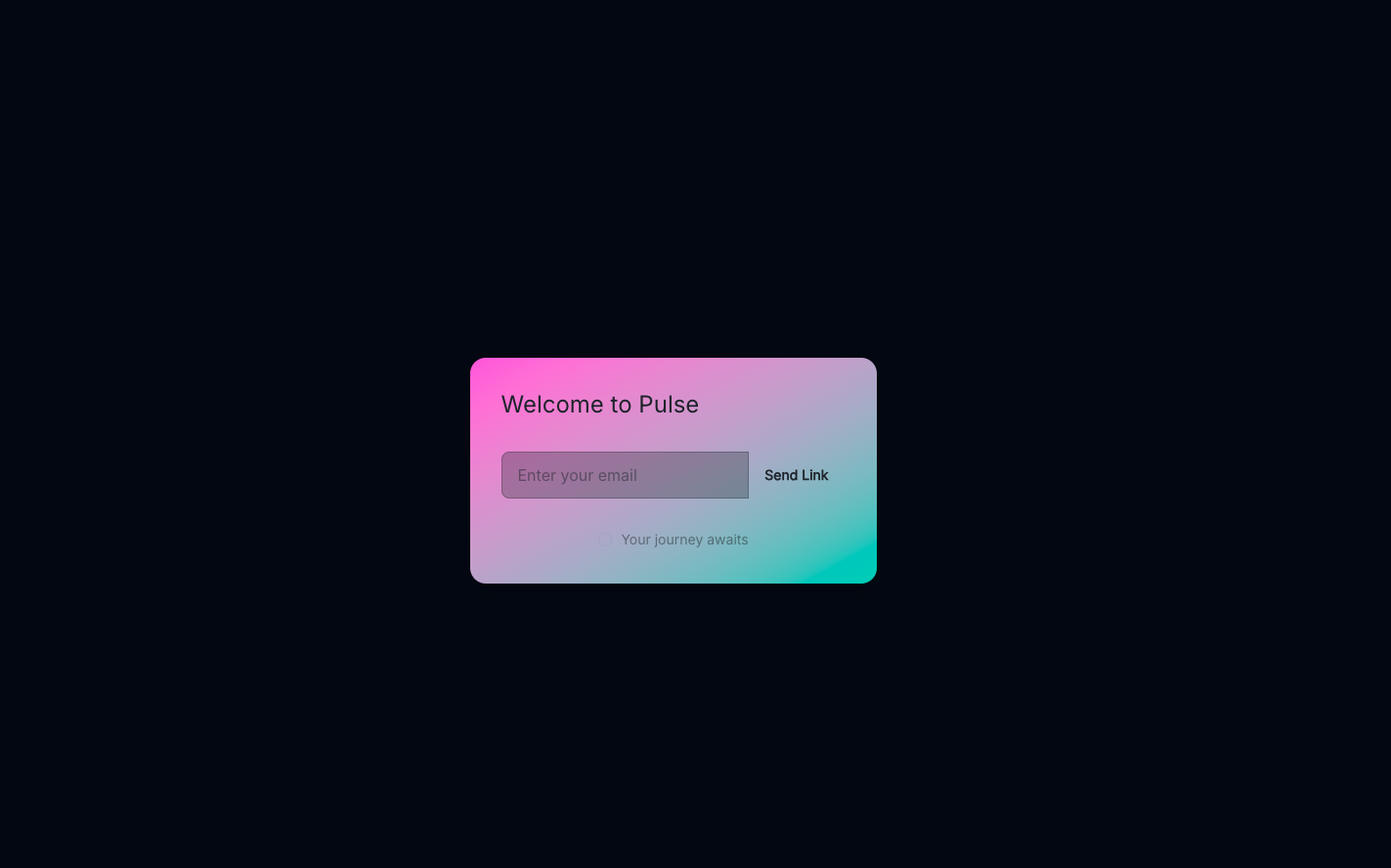
When you click "login" an OTP will be sent to that email address that is valid for up to 30 minutes and can be used once. Once you enter the OTP you'll be signed in and ready to get started! Remember that no social networking features will work unless you register your node with Overmind. We don't opt users in to social matching by default.
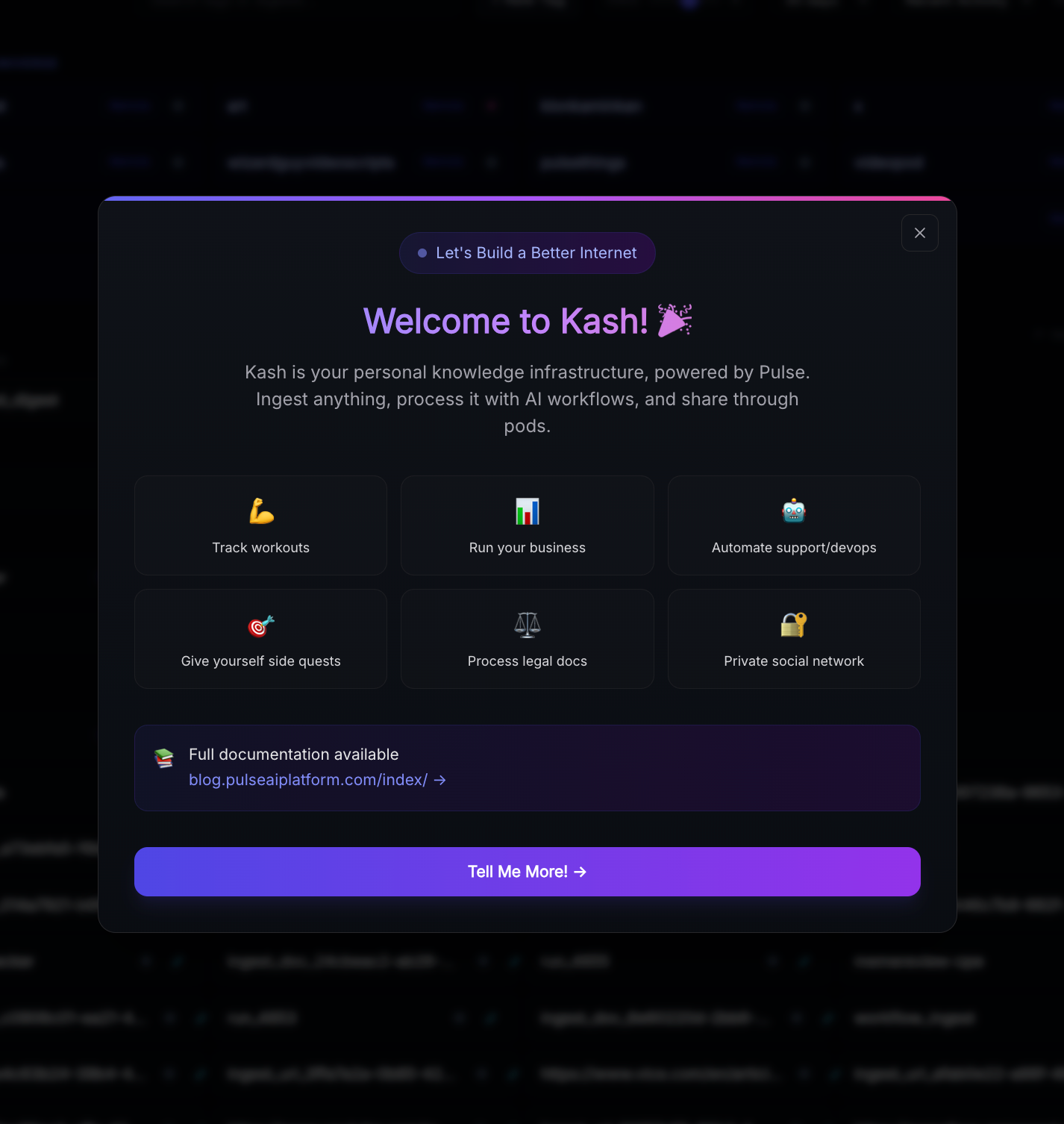
There will be a tutorial popup/easy first time setup for most of the key features provided in Kash when you first log in: