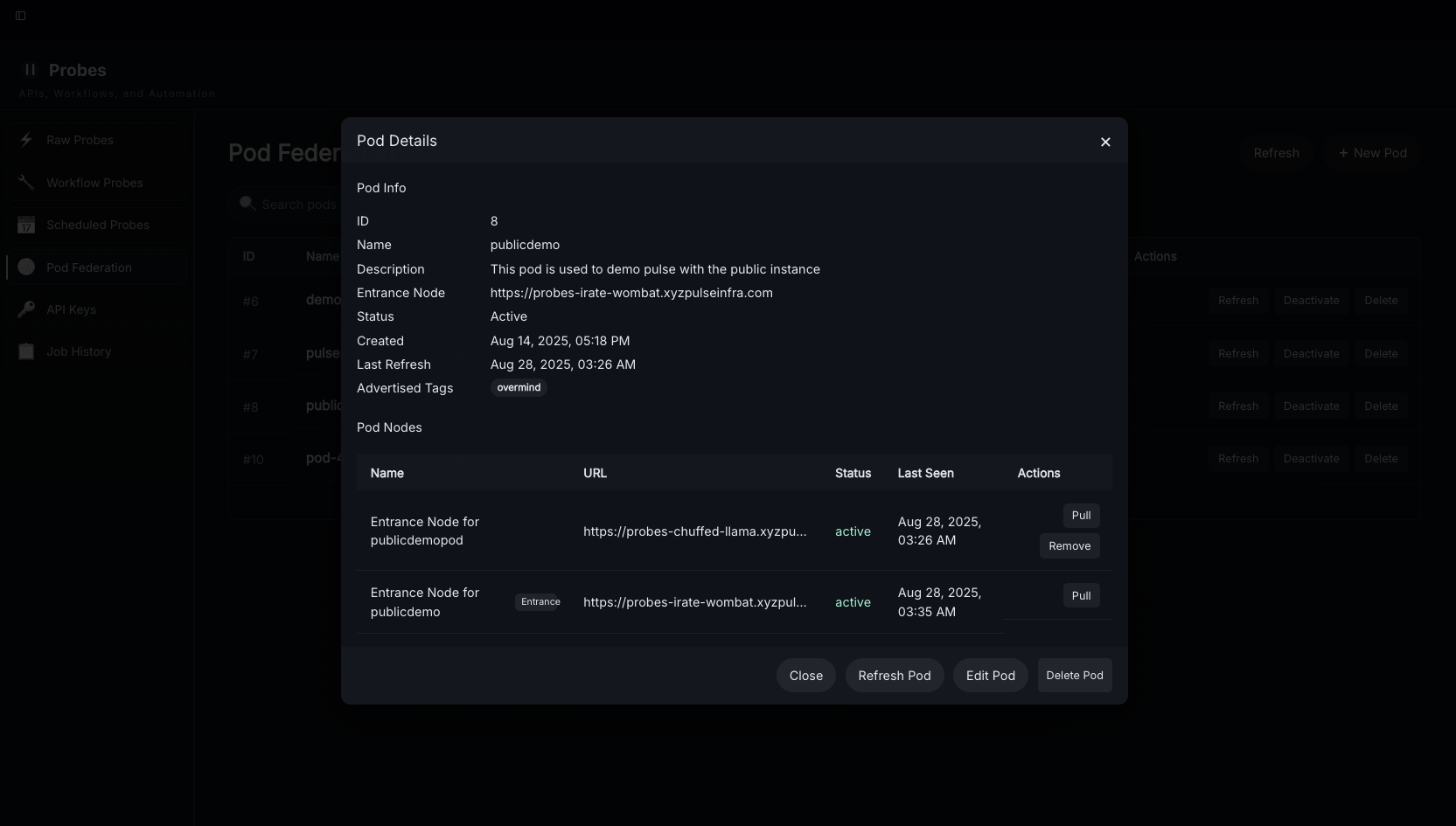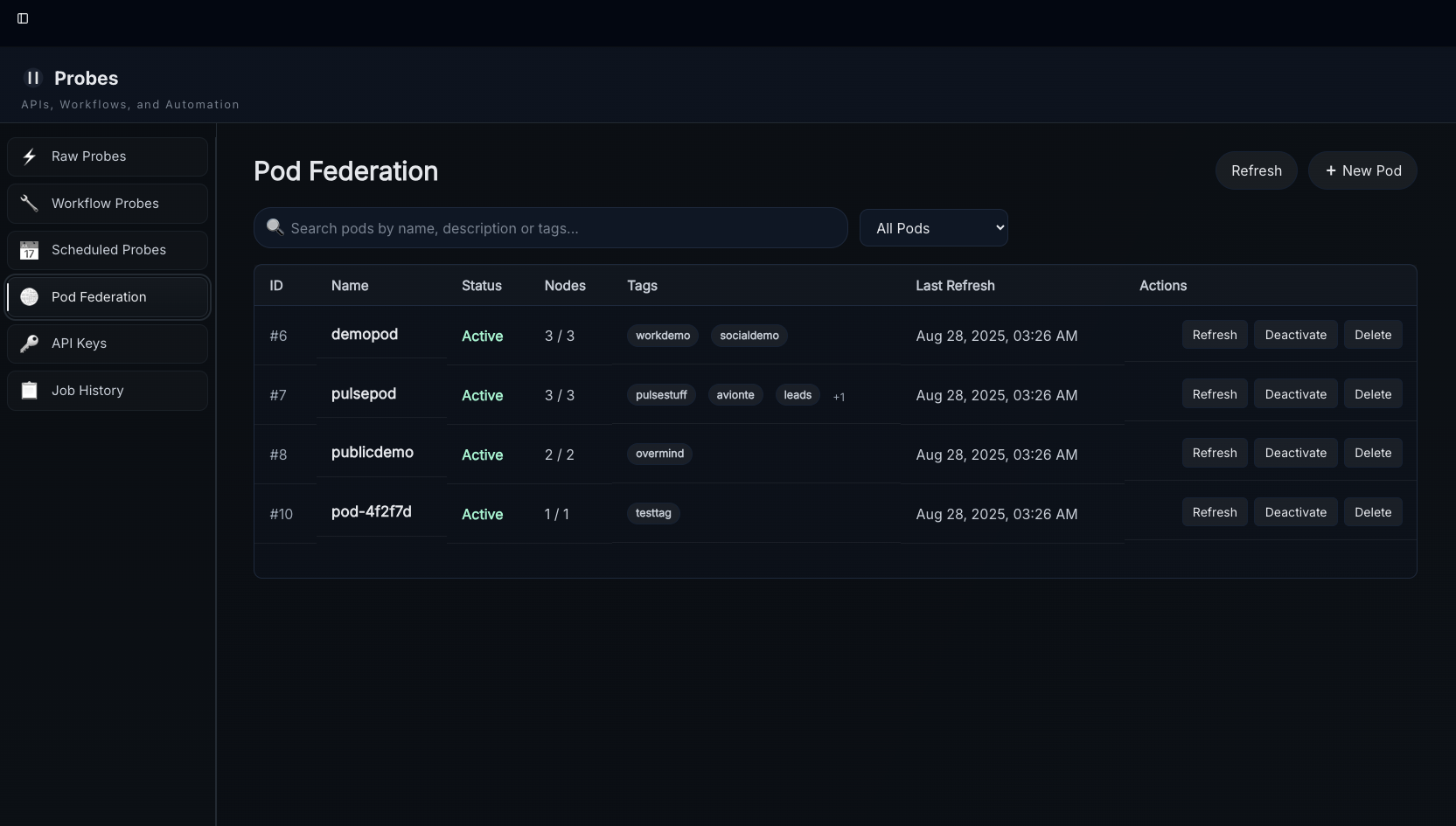
Pods are how Pulse Nodes become "friends" through federation.
While connections are only for quantum search (extra layer of protection), Pods are more public. Please be aware that anyone with the name, key, and a member node url (https://probes-node-name.xyzpulseinfra.com) will be able to join a pod, so protect this information from people you don't want to join your pods. If you leave a pod the other members will be able to continue on without you - the groups are leaderless.
To create or join a pod you need a Pod Name, Key, and the URL of another node with the same configuration. You can start by pointing it at your own if you don't have anyone else yet - just be aware that when someone else does join it may take 10-30m for the discovery protocol to pick them up.
NOTE: Pod federation occurs through the "probes" API bastion for your node. You MUST prefix the URL you use for nodes with "probes-". Ex: if your node name is "angry-lemur" your url is "https://probes-angry-lemur.xyzpulseinfra.com" this protects your node from most exploits that require direct access and rate limits requests from other nodes so that they don't impact your experience.
Once you have your intended pod name and url and are at the pod federation tab select "create new pod"
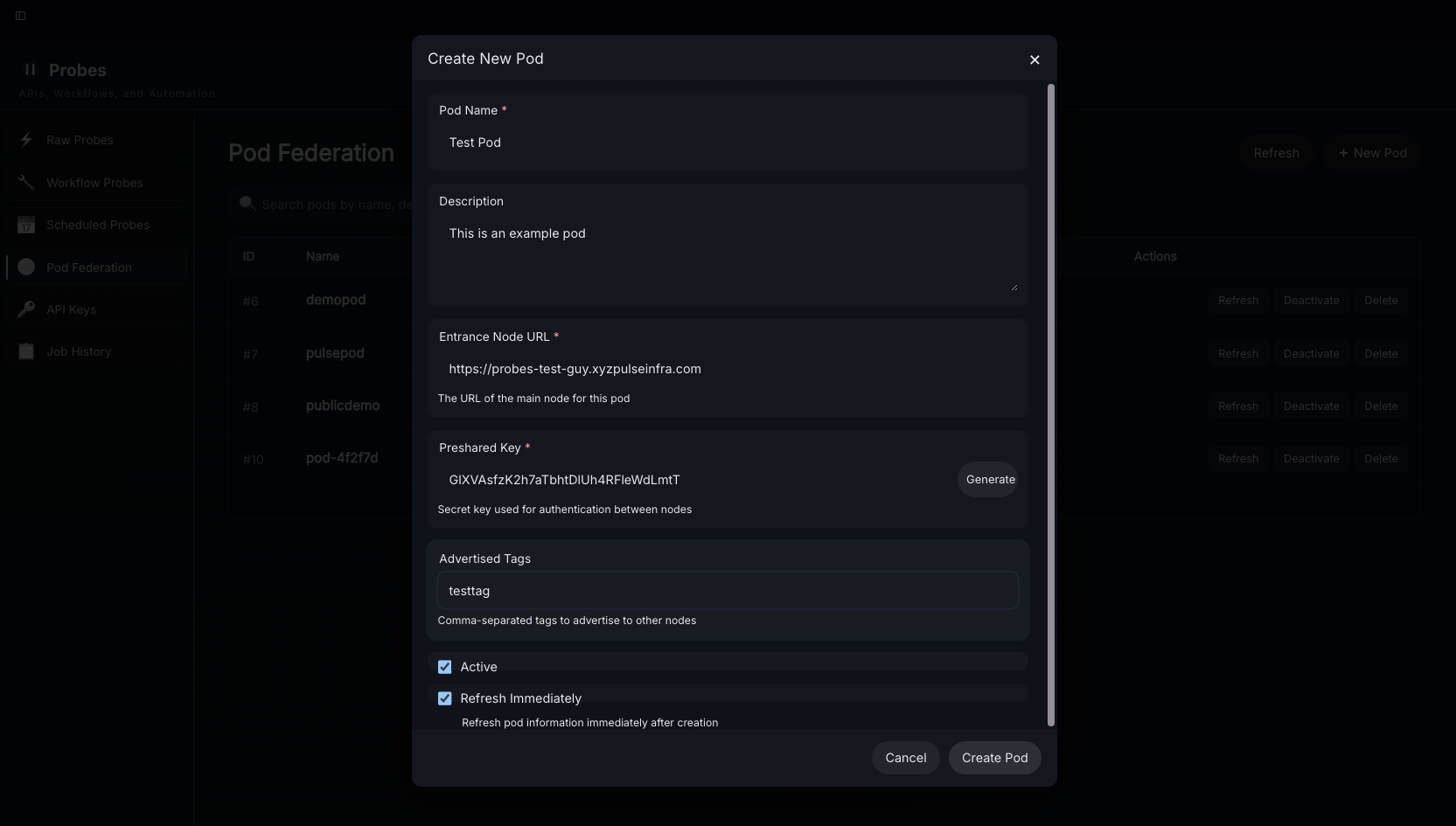
Enter the required details make sure you save the pod key - overmind sends plaintext pod information for pickup groups, but for sensitive private pods we do not allow the retrieval of the passcode from plain text unless the user chooses to store it in a highlight or digest. Please store pod keys appropriately for the data contained therein. You are the operator of your node and this is your responsibility.
The advertised tags are prefixes ex: advertising the tags "fish,cats" will advertise the tags: fish-guppies, fish, cats, cats-funny, and cats-grumpy to the pod - this decision was made to avoid having to force users to repeatedly update the tags they share, our "best practice" here is to advertise a tag prefix matching the pod name so that this is easy to remember. Workflows can be used to mass-update the tags of digests so that they're advertised after the fact if needed.
If you do not advertise any tags your node will be discoverable and able to view content in the pod, it just won't share anything. Sharing information with pods is optional. If you delete a pod ("leave" a pod) none of your data will remain visible to the audience the instant you do so.
Once the new pod is saved you can view discovered members, refresh available content, and check member status by clicking on them in the pods menu: