Be Not Afraid
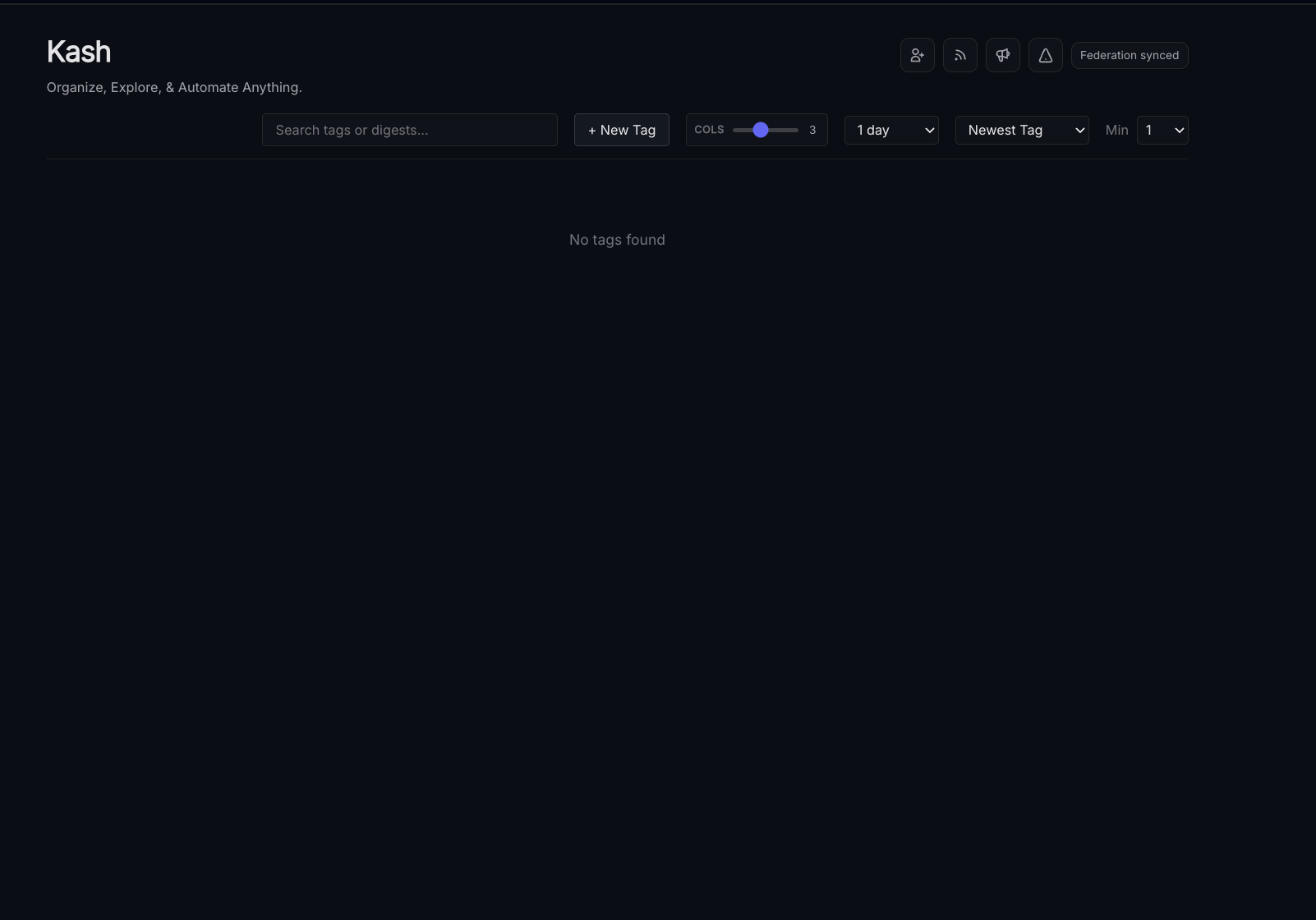
Many users find the blank Kash page intimidating - think of it as a blank canvas for your data - if for some reason you don't immediately see the tutorial pop up you can access it by clicking the triangle icon in the top-right corner.
Setup
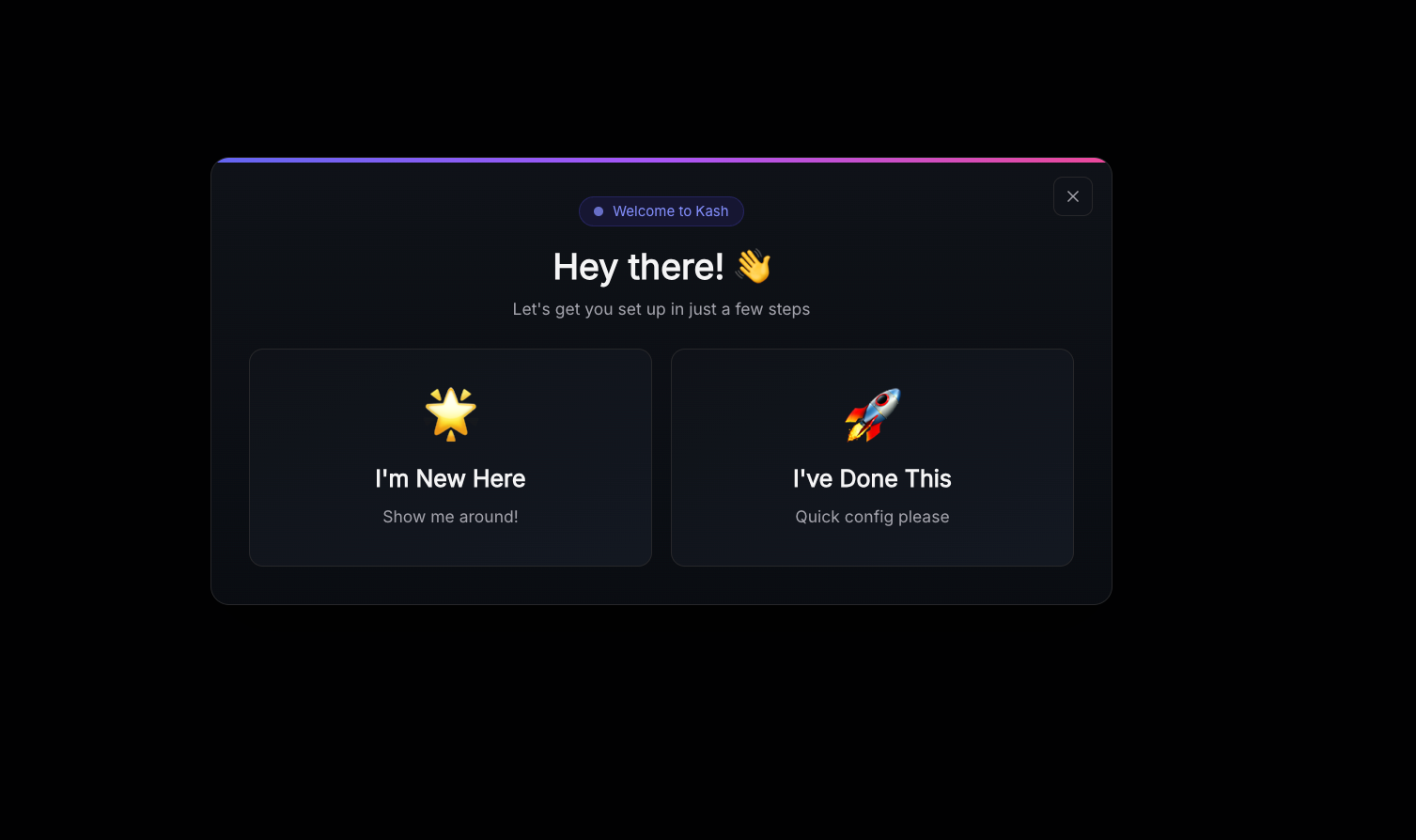
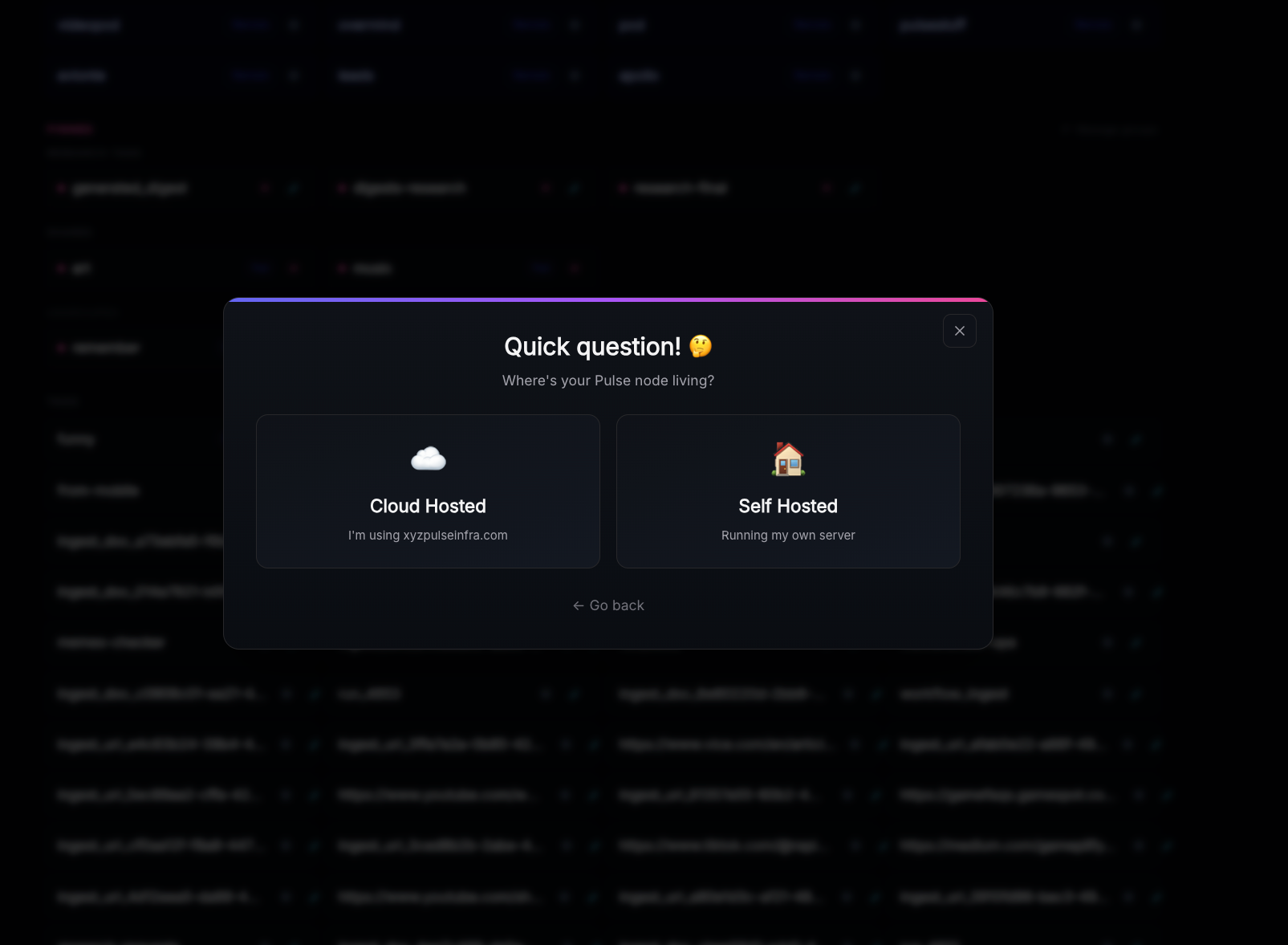
If this is your first time using Kash click "I'm new here." Most users will select "cloud hosted" on the next screen but some enterprise users may selected "self hosted."
The tutorial will take you through the core features. It will also provide up to date links to our mobile apps, Kash Files, and our public repository.
UI Basics
The controls at the top of the screen include a search bar, column slider, new tag button, and configurable options for age of digests to pull and how to sort them/the minimum number of digests required to display a tag. Use these to control what tags are visible/search through your data.

Tags
Use the "New Tag" button to create a new tag, simply enter the name and hit save.
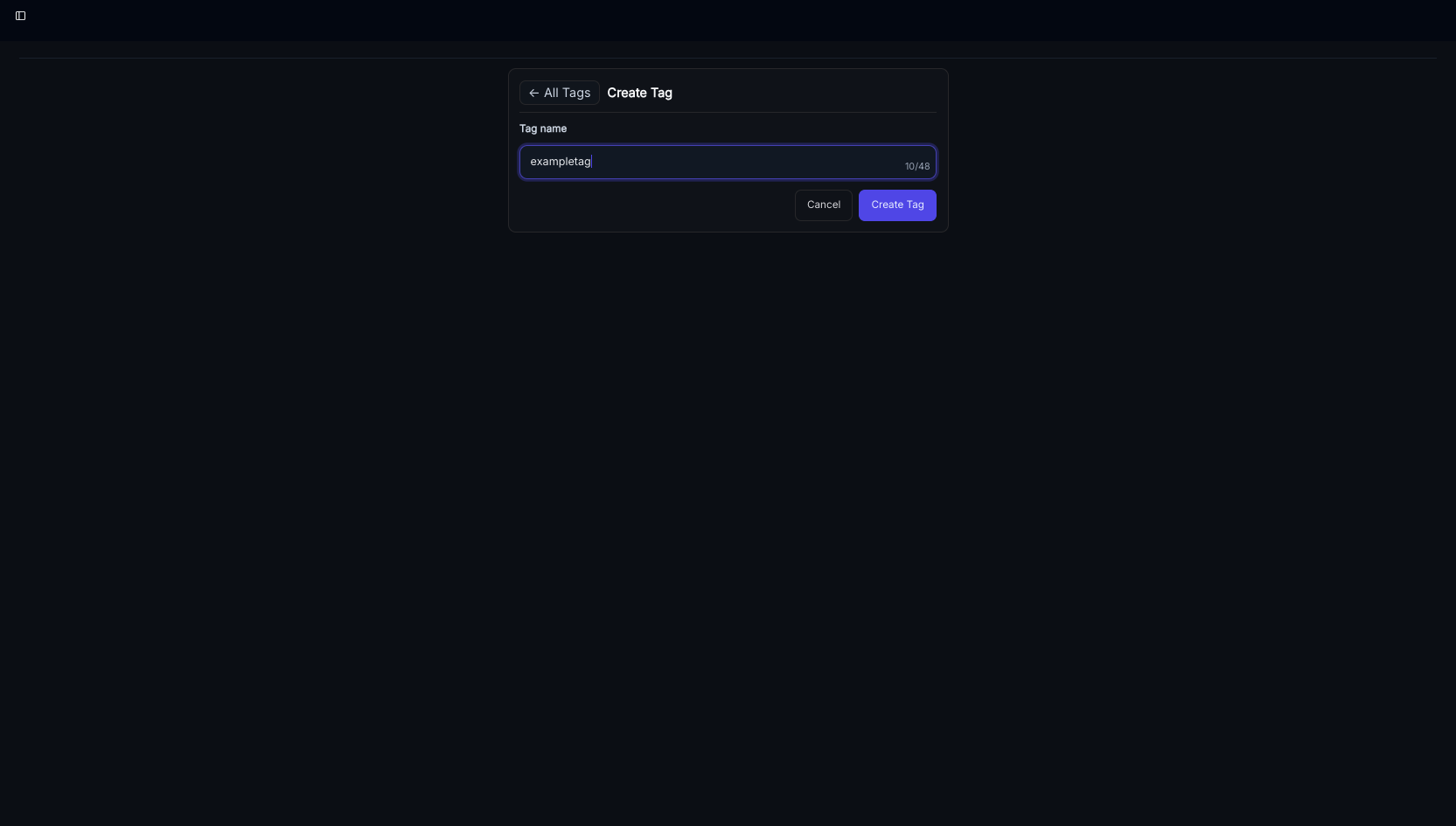
Your first tag will look something like this in the UI once you save a digest to it.
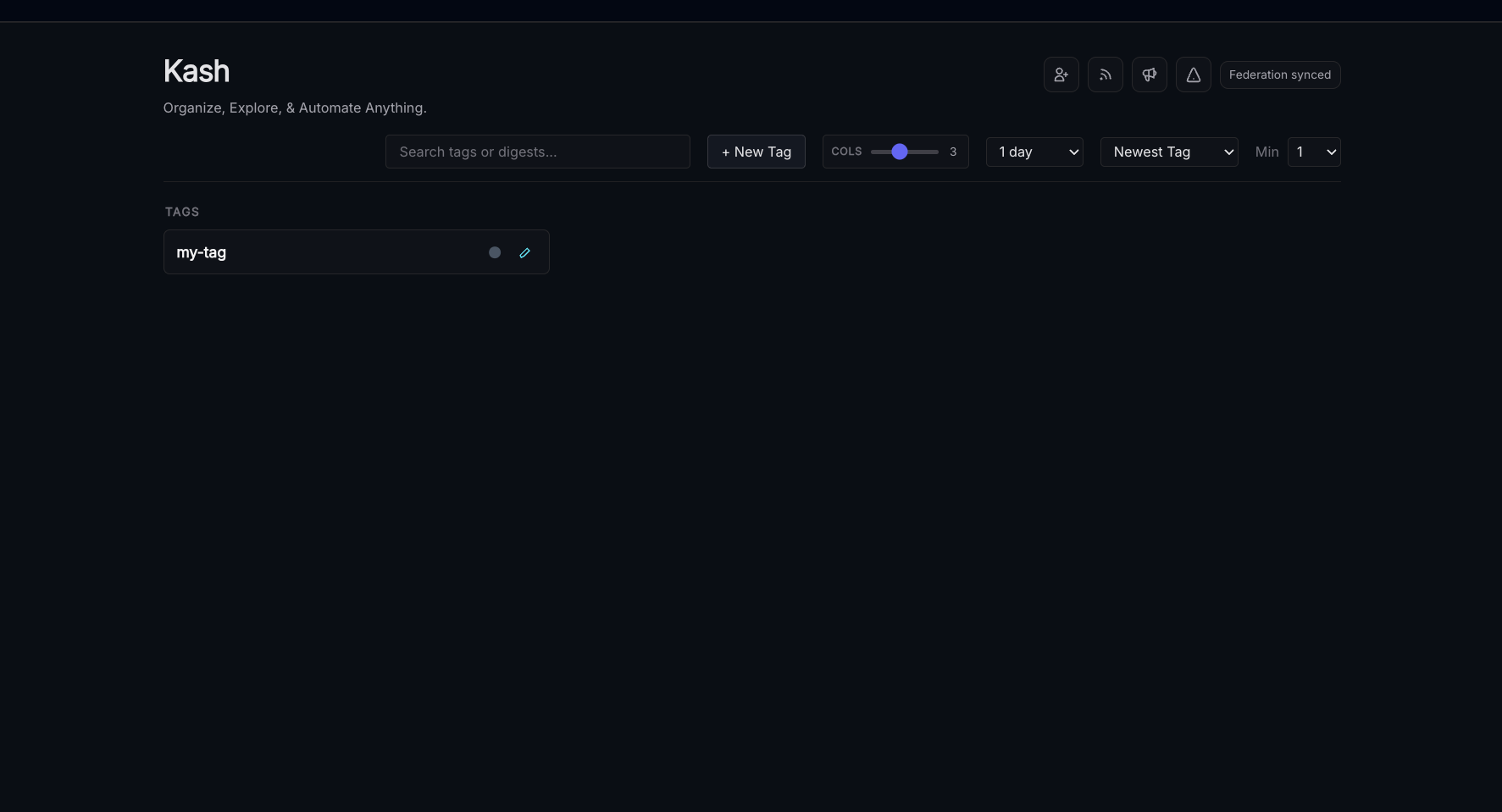
NOTE: To avoid storing creepy information about what tags matter to our users your group configurations are saved to local browser data, so they will not copy automatically to other devices unless you use a browser with synchronization features.
Tags can be pinned, grouped, and searched over in the main Kash page - here's an example from a more "mature" node.
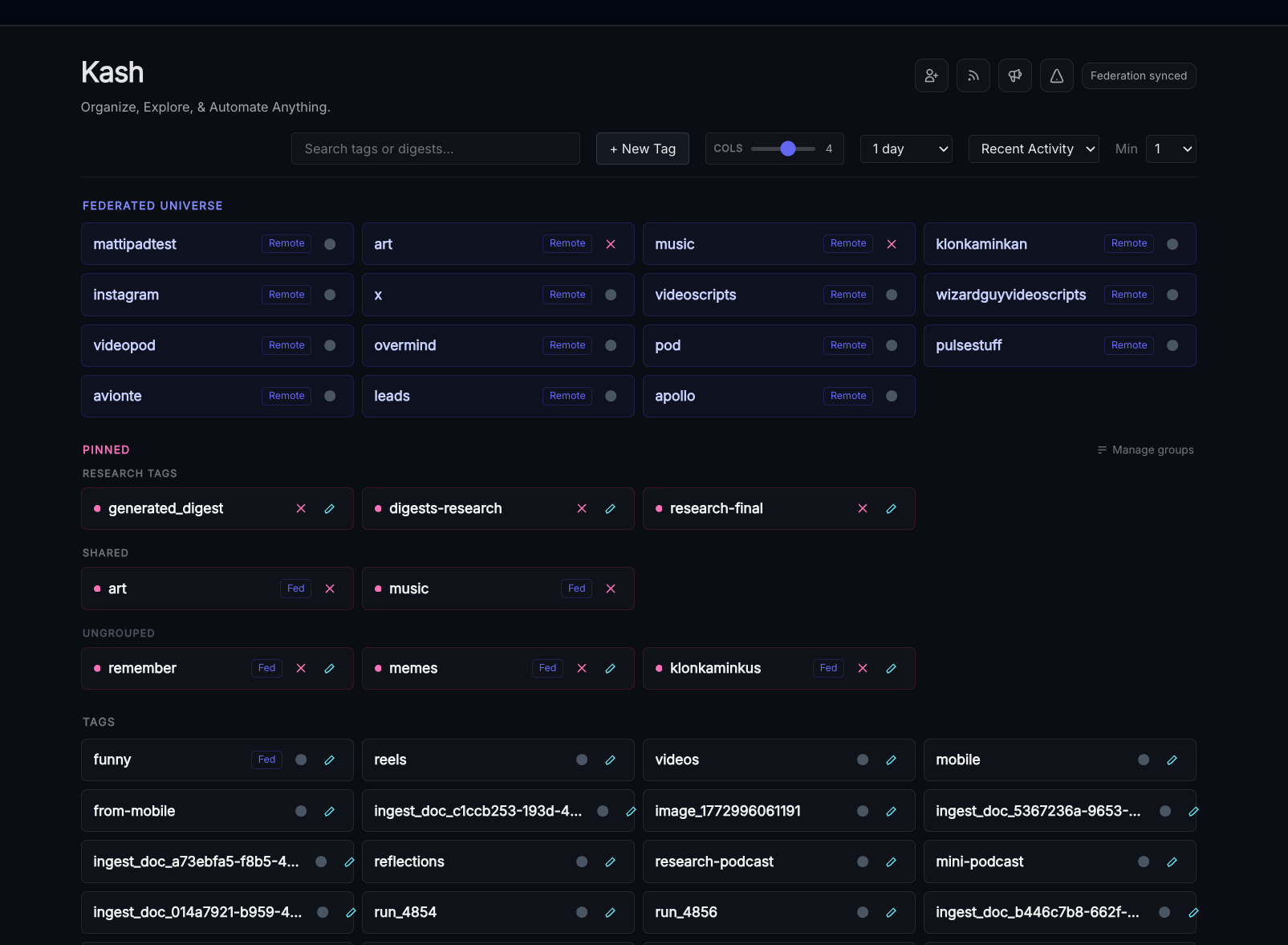
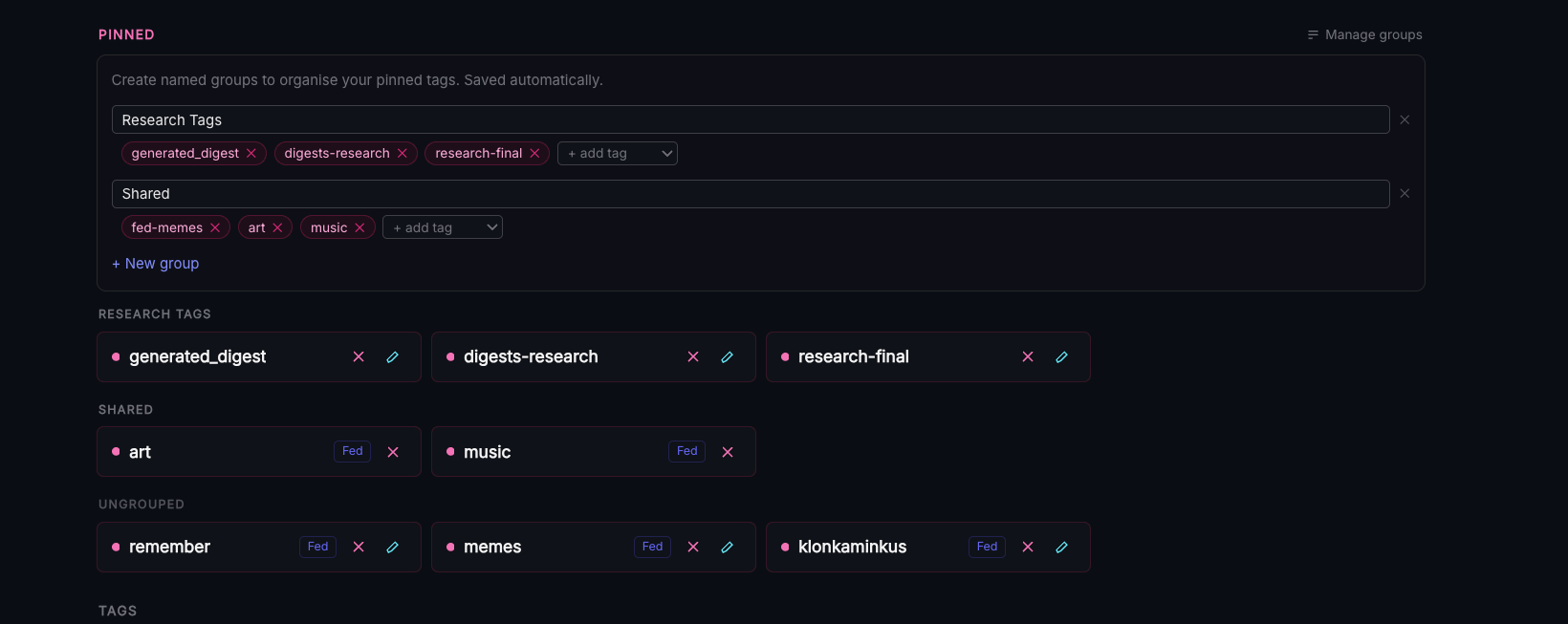
Federated tags are always displayed at the top for easy access, the round grey icon on the right edge of each tag is used to pin. Groups can be controlled from the "manage groups" tab, which expands when clicked.
Digests
Once you've created your tag click the "new digest" button, enter the text you want to save and click "save." If you have other tags digests can be assigned to multiple tags.
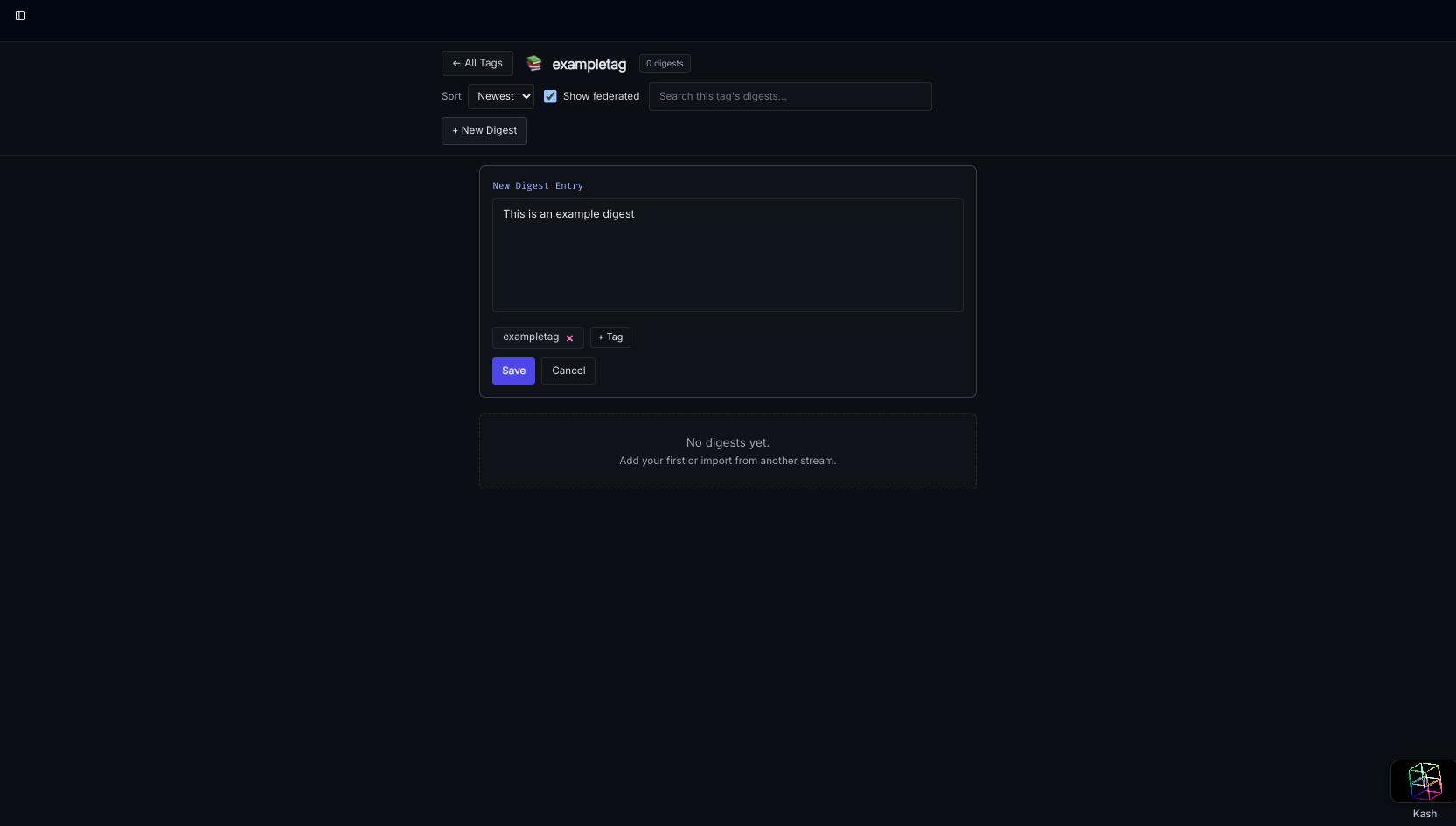
That's all - the only two abstractions you need to learn are Digests and Tags.
Search and Linking to other Digests
The search bar on the main landing page will perform a fuzzy search over tag names and digest contents.
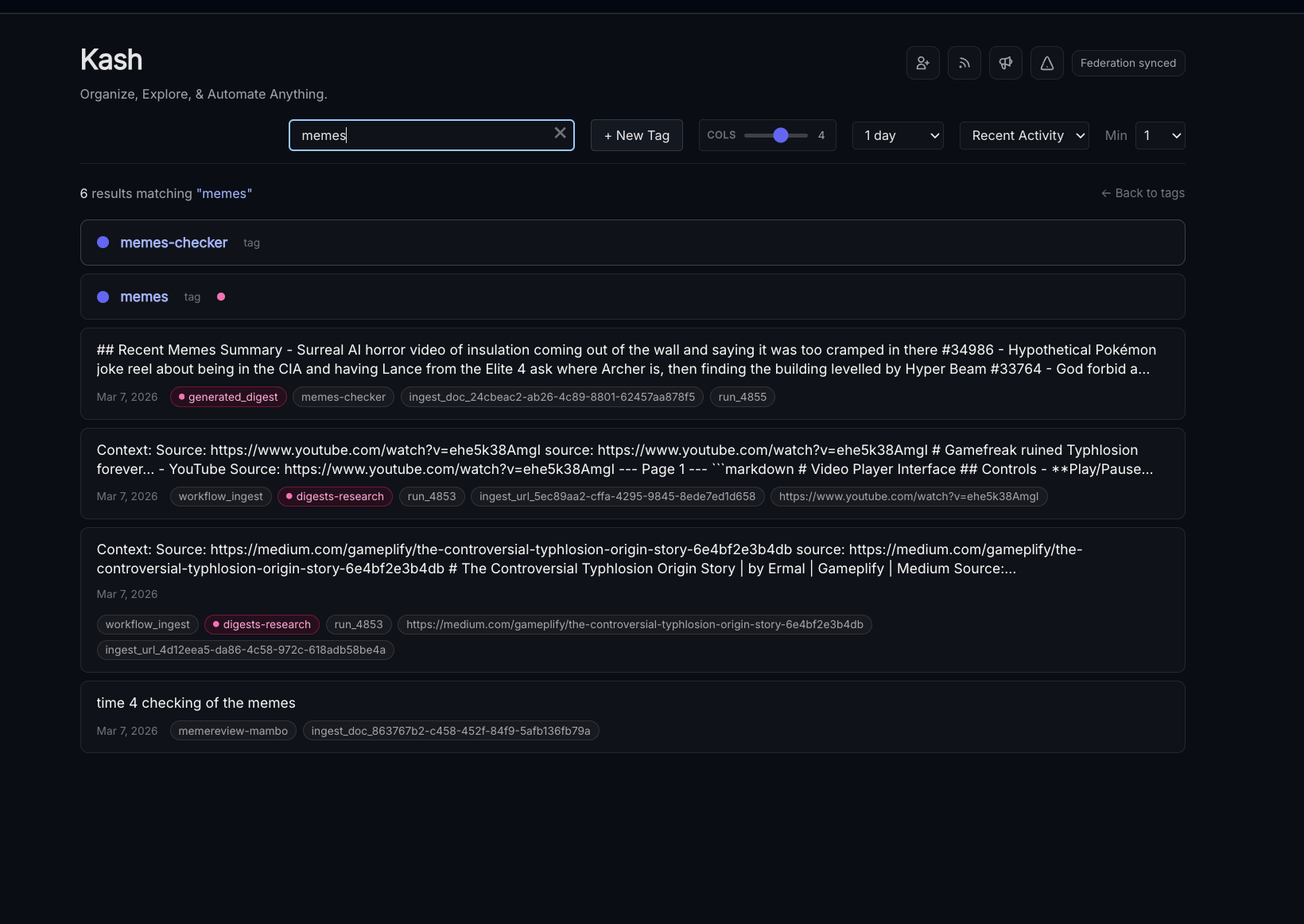
Other digests can be cited by typing a # followed by their ID number, ex: #3551
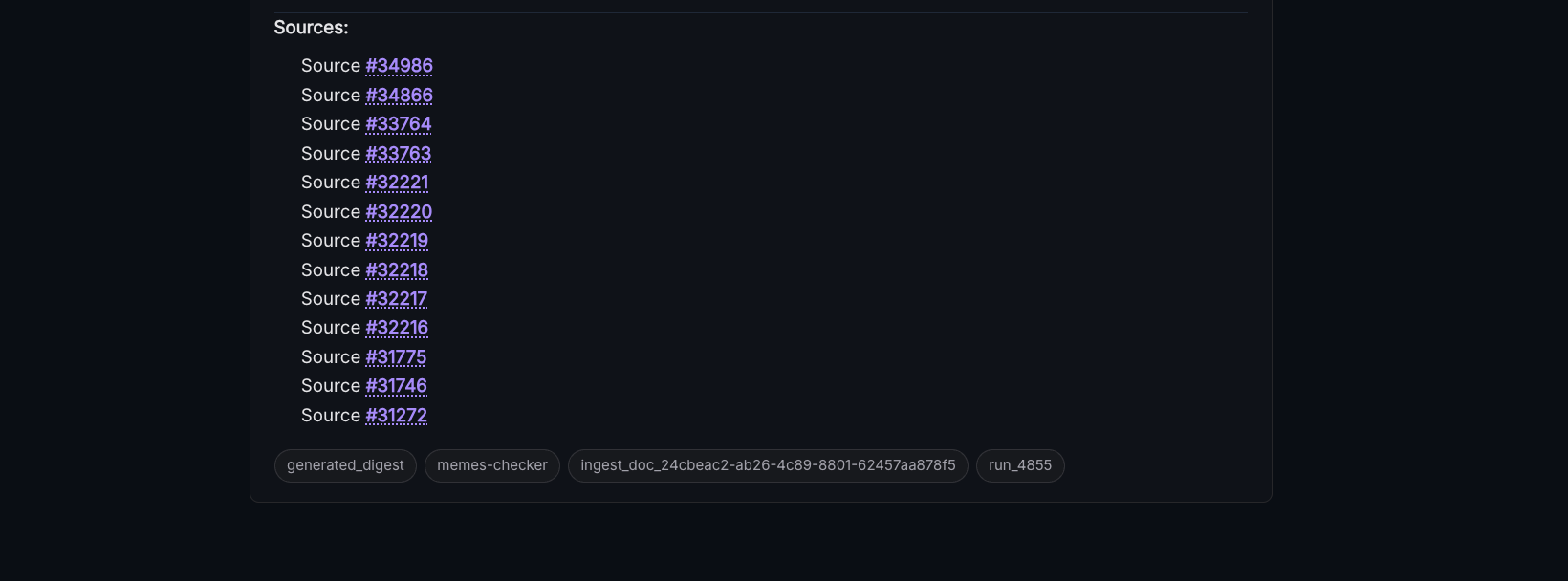
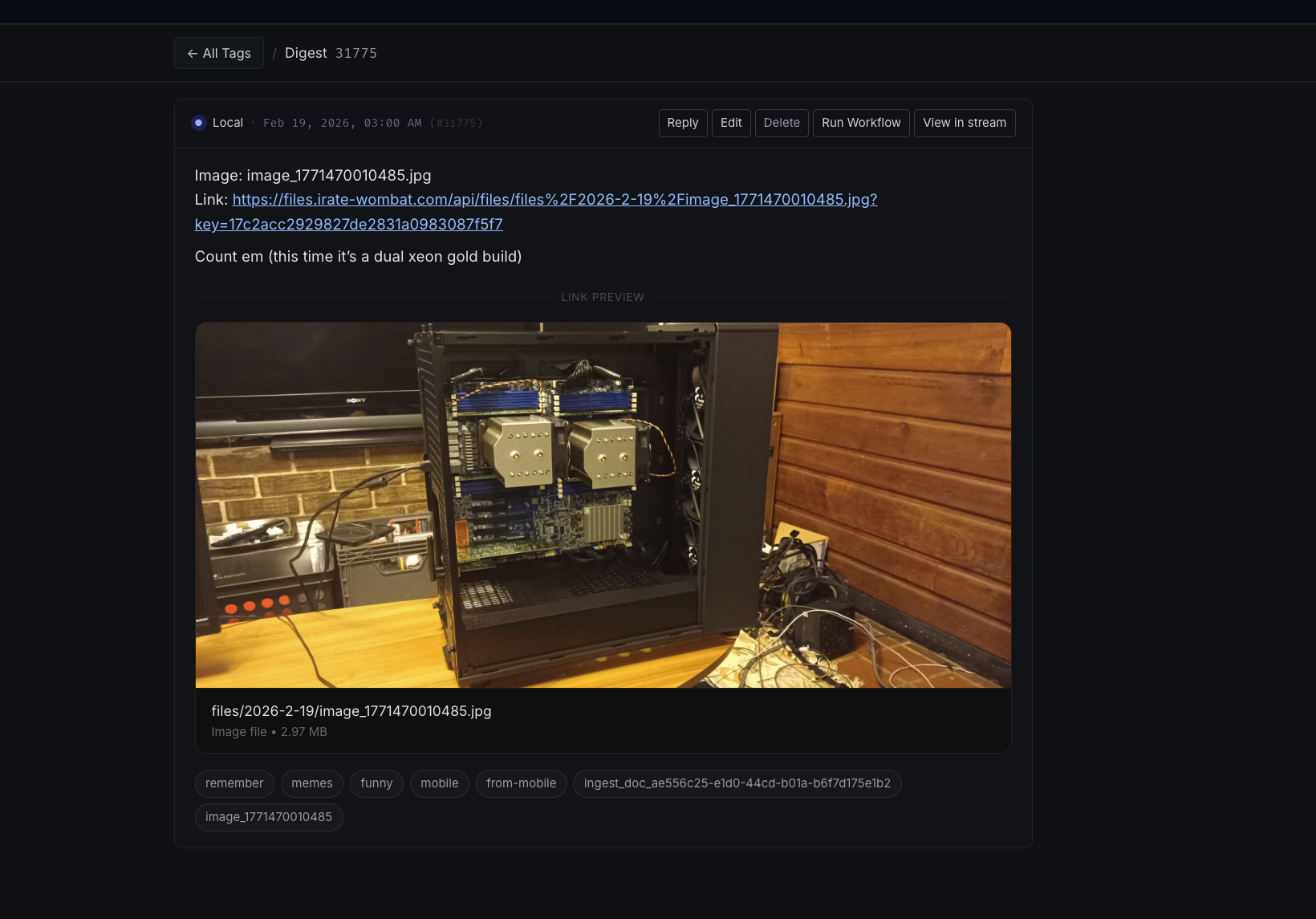
Clicking on a digest ID in the tags page or the search area will bring you to that digest and any others in your federated network that share that ID.
Filters, Charts, Exports, and Structured Data
Structured data in the format:
key: value
key2: value2
key3: value3
etc...
Can be selected using filters in the UI and used to make charts or new datasets
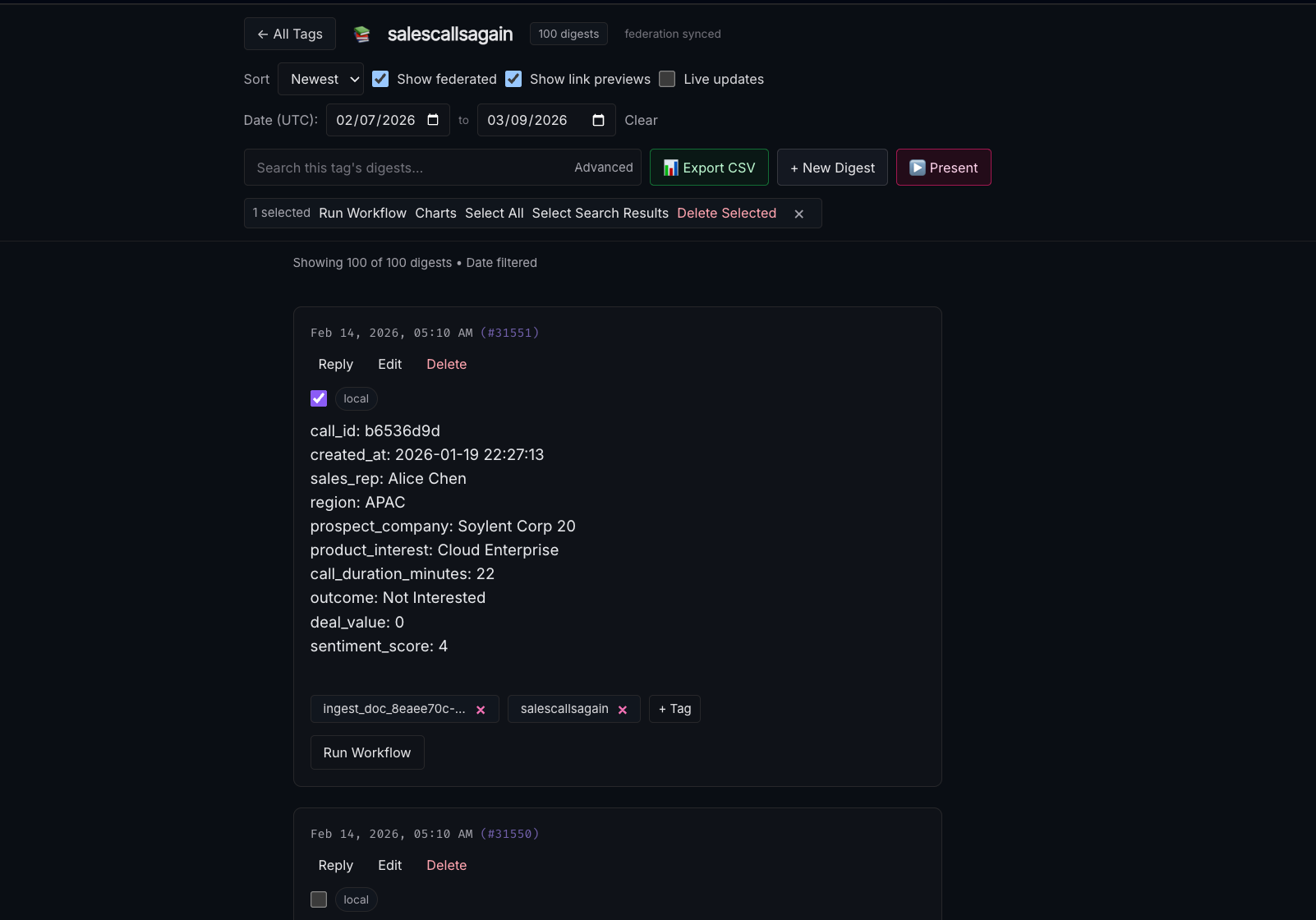
The "advanced" button in the search bar opens the advanced tab, where you can select by tag or set up contains/does not contain rules for filtered digests.
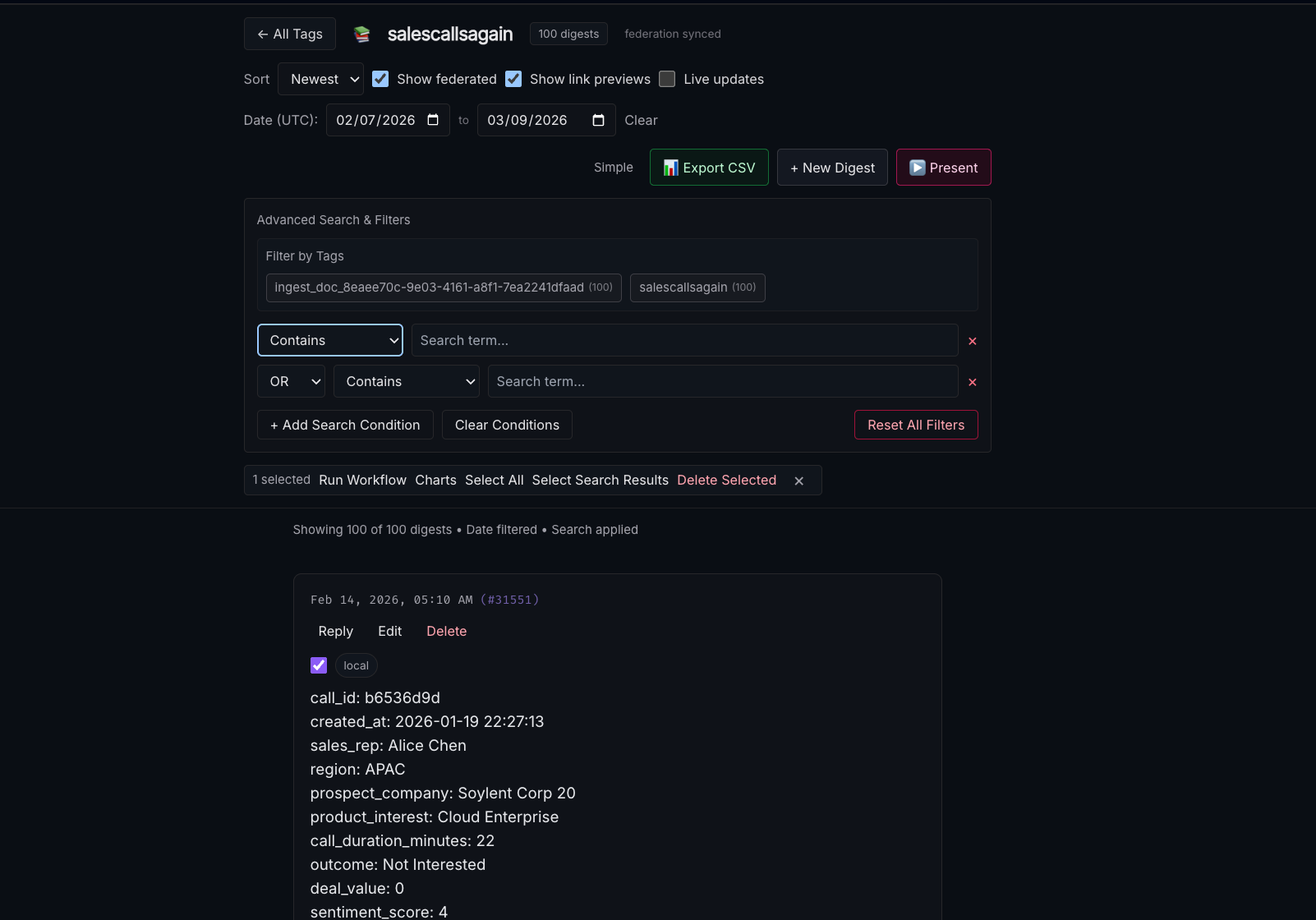
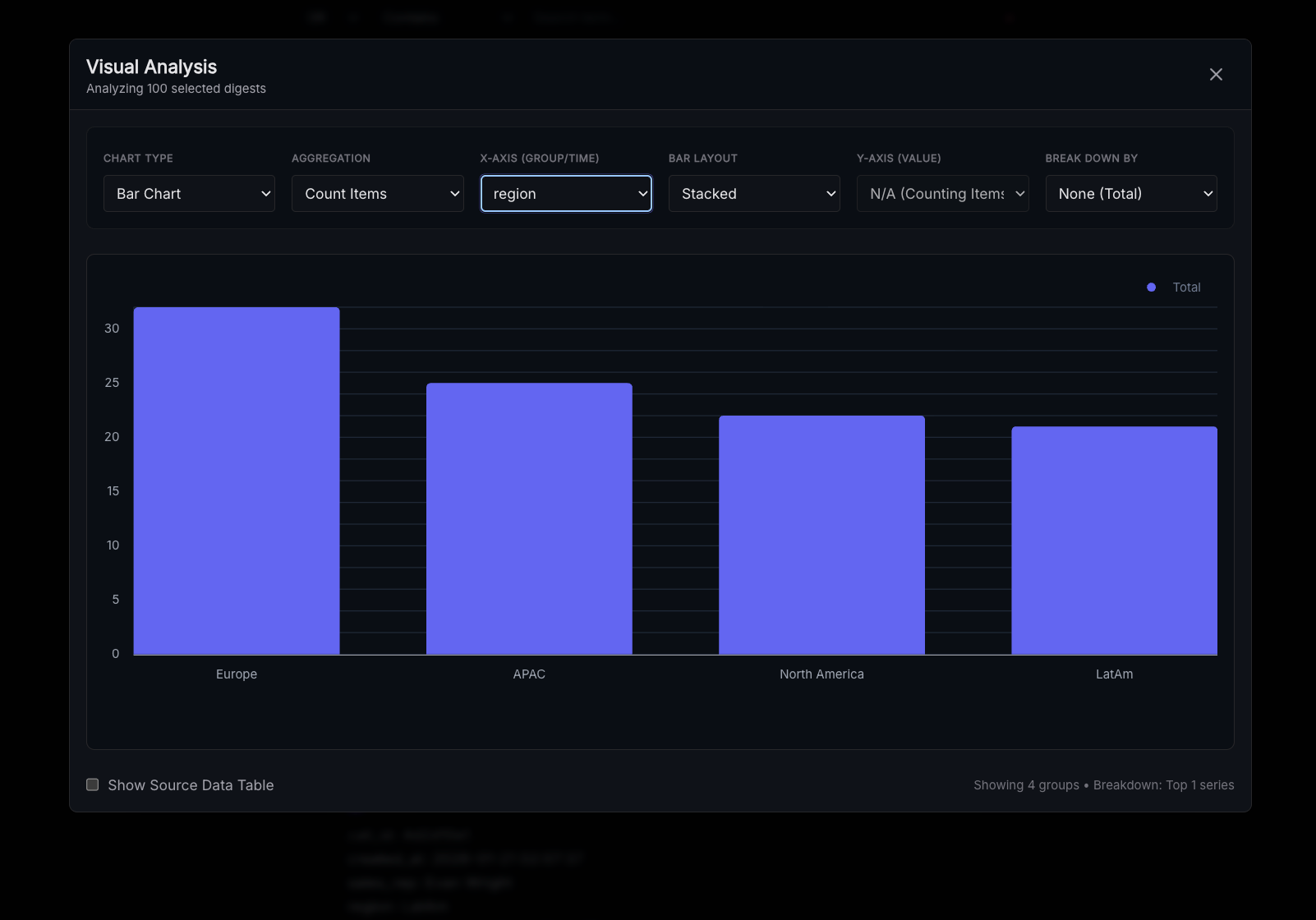
Once you have the desired digests selected you can select "charts" to create and configure a chart.
You can also export the selected digests with the export to CSV button.
Consuming Content
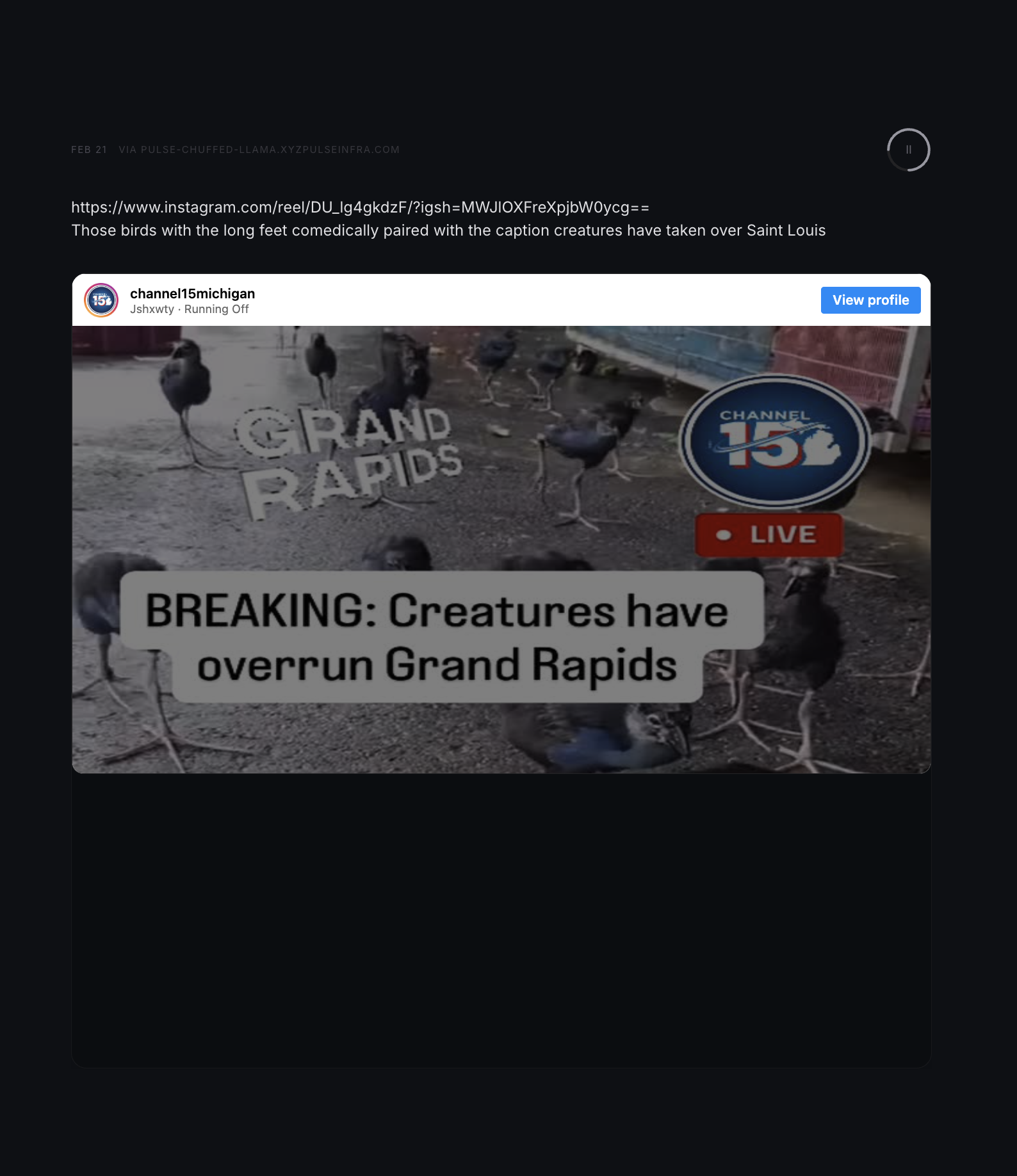
"Present Mode" can be used on any tag for a pleasant feed-scrolling experience. Click "present" and use the mouse wheel, arrow keys, or your fingers to scroll. It will occasionally ask you to log a reflection for new content ideas.
Social Networking
Before beginning check out the "pods" section of the documentation and make sure you complete the tutorial - social network requires the configuration of pods with other nodes or at least having multiple users connect to your node using the mobile app.
Note: Overmind registration is not required to use Kash's social networking features - but it does provide enhancements. If you are not registered with Overmind this is what you'll be missing:
- Profile picture in federated tags, portals (audio conferences), and pings (notifications)
- Automatic matchmaking/content recommendations
- Node Search
All of the core functionality will still be there, just without the social profile integration.
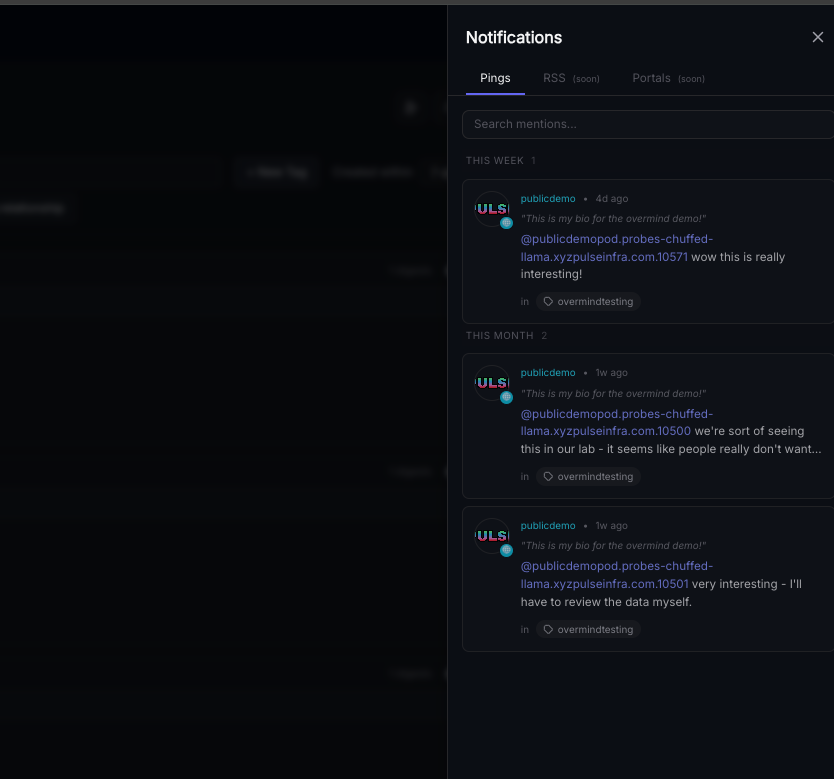
If a user creates a digest with an "@" (reply to or tag) to you in a federated tag you'll receive a "ping." To avoid storing creepy data on what you've looked at the read/unread status of pings is stored locally on your device. The Built-in RSS reader works the same way, you can import/export your feeds to move them to other devices. We don't want to know what you're looking at.
In federated tags the interface for replies and @s is similar to websites like Tumblr, Reddit, and 4chan or workplace apps like sharepoint:
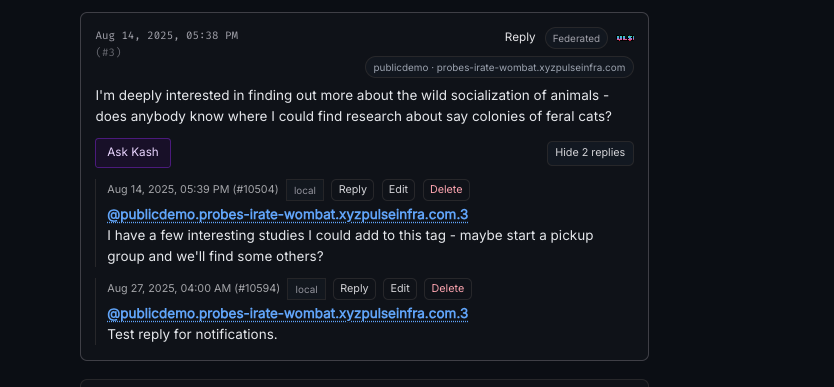
Please be aware that any plaintext mention of another user's node name or url in a federated tag will result in a ping - one of our more "fun" design choices for this was making sure that it's hard to say nasty things about people in the same pod as you without them hearing about it. If you want to do that please just make another pod without the person and don't harass them. You are responsible for what you do with your node.
Portals
Portals are audio conferences held on your node with up to 10 speakers and unlimited listeners. Listeners DO NOT have to be pulse members, all you need to do to have your audience from another platform or another business unit listen in is share the link to the portal that is created when you start it.
To create a portal select the "portals" icon in Kash:
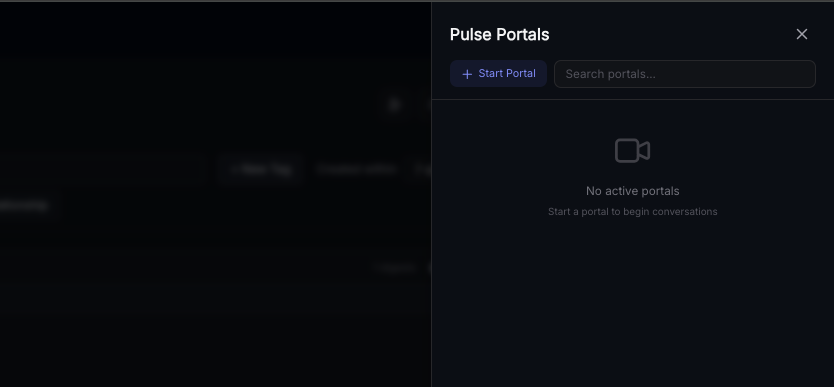
Enter a name and description for your portal and click "start portal:"
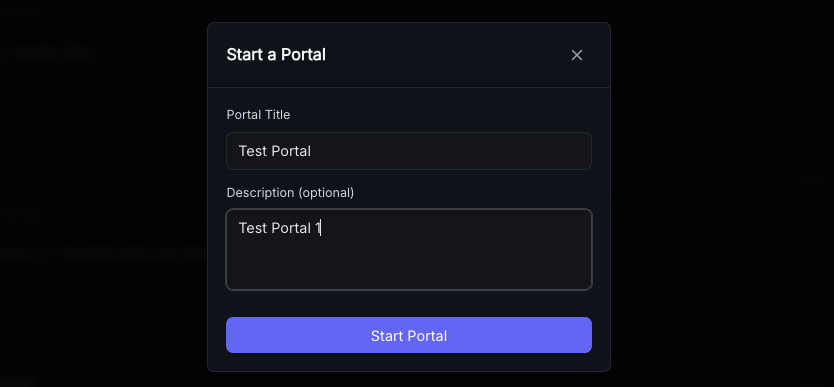
Once you're in the portal you can share the link in your address bar (which contains the randomly generated portal code) with anyone you'd like to have join by any means you see fit - however, do not share portal links with anyone you don't want listening in. What you do with your node is your responsibility. Pulse is not liable for information spillage as a result of insecure handling of Portal Links, Pod information, etc.
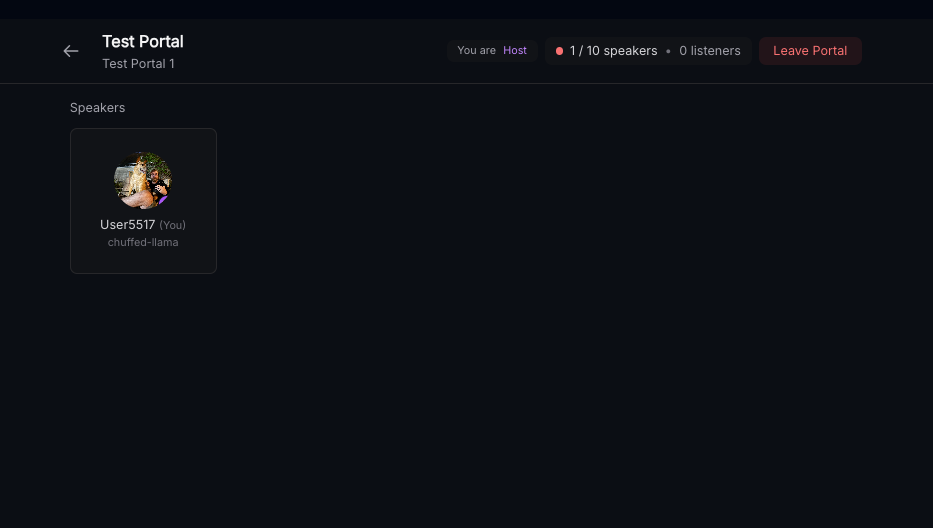
If needed the "x" button on a speaker's profile picture card can be used to immediately demote them back to listener. Further requests for speaker rights can be denied wit a single click.
Registered Pulse users can request to speak after joining your portal and will appear with their node name, profile picture, and bio. Anonymous users may listen but not request to speak. This will not change - please do not report it as a bug or request it as a feature. To maintain high audio quality we cannot provide voip services to non-paying users.